How Much Sand Does Your Pool Filter Need?
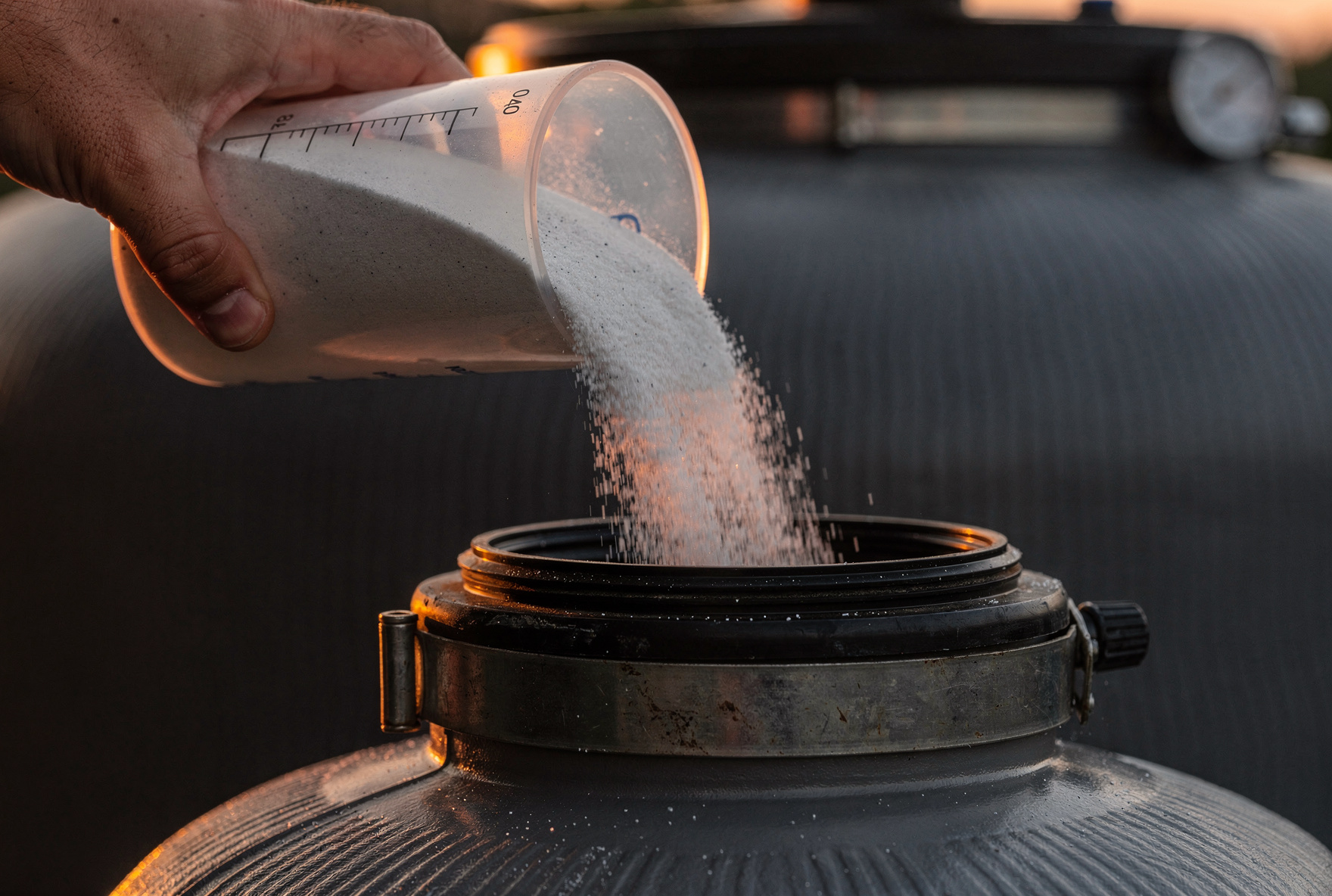
If you want clear and sparkling pool water, pay attention to the sand in your filter. Most pools need between 100 and 300 pounds (45-136 kilograms) of #20 silica sand, depending on the filter size.
But don’t guess, because getting this right makes all the difference for filtration. Check your filter’s manual or sticker for the exact sand amount.
Read on for more tips and tricks for adding sand to your pool filter.
Why Sand Filtration Works So Well
When water flows through specially graded sand, debris and dirt get trapped between the grains. Those jagged sand particles catch stuff as tiny as 20-40 microns, keeping water clear without too much fuss.
- Sand filters run cheaper than most other options.
- Maintenance is simple—just backwash and you’re done.
- The sand lasts about 3-7 years before needing a replacement.
Other filter types need more work. Cartridge filters grab smaller particles but need frequent cleaning. DE filters snag the tiniest bits but take more effort and cost to maintain. For most homes, sand filters hit the sweet spot: dependable, durable, and easy to manage.
Get To Know Your Pool Filter System
Pool sand filters come in lots of different sizes. The tank’s diameter decides how much sand you need. Most home filters measure between 16 and 24 inches across.
Big brands like Hayward, Pentair, and Intex each set their own sand amounts. For example:
- Hayward S200 Series: 200 pounds of sand
- Hayward Pro Series S220: 250 pounds of sand
Always check your model’s sticker or manual for precise numbers. Don’t swap numbers between different filter models, even if they look similar—they’re not the same inside.
Your filter should match your pool’s size. Bigger pools need bigger filters, plain and simple. If you’re not sure, grab your tape measure and check the tank’s diameter, then look up the specs online or in the manual.
How Much Sand Your Pool Filter Needs
The filter diameter tells you how much sand is right for your system. Here’s a quick breakdown:
- 16-inch filter: 100-120 pounds
- 19-inch filter: 150 pounds
- 21-inch filter: 200 pounds
- 24-inch filter: 300 pounds
Here's the same breakdown with metric measurements:
- 40-centimeter (16-inch) filter: 45-55 kilograms
- 48-centimeter (19-inch) filter: 68 kilograms
- 53-centimeter (21-inch) filter: 91 kilograms
- 61-centimeter (24-inch) filter: 136 kilograms
For most homes, it’ll be between 100 and 200 pounds. If you can't find your manual, measure your filter’s diameter and check the specs online. Always use the amount your brand recommends for the best performance.
Little Things That Change Sand Amounts
Filter brands set their own rules. A 19-inch Hayward might call for different sand than a 19-inch Pentair. Always trust the specs for your exact model.
- Big pool? Your filter will run longer but won’t need more sand.
- Heavy pool use? You’ll need to backwash more, not add more sand.
- Trees or wind nearby? Expect to clean the sand sooner, but don’t increase the amount.
It’s all about matching your filter and environment. The sand amount stays the same, but your cleaning schedule might change if there’s lots of dirt or leaves.
How to Replace Sand in Your Filter
When it’s time to add sand, pour until the laterals (those little arms at the tank’s bottom) are just covered. Stop when you hit the right weight. Don’t go over, because the system needs perfect balance to move water smoothly. Overfilling just makes your filter work too hard.
Here are step-by-step instructions for how to add sand to your filter:
- Turn off the pump first, then drain the filter tank using the plug at the bottom.
- Take off the top or multiport valve so you can reach the sand.
- Cover the standpipe in the middle to keep sand out. Tape or a cap works great.
- Use a wet-dry vac or scoop to get all the old sand out.
- Check the laterals for cracks or breaks.
- Rinse the inside of the tank to clear out dirt.
- Slowly pour in new sand, keeping the standpipe upright.
- Stop at the right amount and don’t heap it higher than the guide says.
- Make sure the sand is level, then put everything back together.
- Add water, run a backwash to clear dust, and you’re all set!
Sand Filter Mistakes You Don’t Want To Make
- Never use play sand or beach sand. They’re not fine enough and let junk pass right through. Only use #20 silica sand designed for pools.
- Don’t overfill the tank. More isn’t better. Stick to the manual’s number.
- Always clean out the filter tank before adding new sand. Old debris ruins fresh sand fast.
Missing any of these steps means your filter won’t work as well as it should. Take a few extra minutes now to avoid major headaches later.
Keep Your Filter In Top Shape
Follow these steps to keep your filter working and your pool water clear:
- Backwash your sand filter every 4-6 weeks during pool season.
- When the pressure gauge reads 8-10 psi above normal, it’s definitely backwash time. Don’t let pressure build up too long.
- Most clean sand filters run at 10-15 psi. If you see it hit 20-25 psi, start backwashing.
- Keep backwashing until the sight glass water runs clear. Takes about 2-3 minutes usually.
- Always run a rinse cycle for 30 seconds before switching back to filter mode.
- Check the pressure gauge often. If it suddenly jumps, look for a clog or sand problem.
- Inspect all connections for leaks and cracks. Check the multiport valve and tank every year, too.
When It’s Time To Replace Filter Sand
Most pool owners should replace sand every 3-5 years for the best water. Wait up to 7 years if you’re a cleaning superstar, but don’t push it.
Theses are telltale signs your need to replace the sand in your filter:
- Your water’s still cloudy even after adding shock and balancing chemicals.
- The pressure gauge goes up faster than normal between backwashes.
- You’re backwashing way more than twice a month.
- You’re seeing fine sand in your pool or after a backwash.
These signals mean the sand’s clumping or creating channels where water flies right through. Oils, sunscreens, and minerals speed this up. Replace the sand sooner if you see any of these signs. Your pool will thank you.
Let Your Pool Cover Its Own Costs With Swimply
We all know pool maintenance adds up. Between chemicals, gear, and repairs, it gets expensive fast. You can turn the tables by hosting your pool on Swimply. Your pool can help cover what it costs to keep it running great.
- Swimply matches your pool with people looking to rent private swim spaces.
- You set prices, your own rules, and decide when your pool’s available.
- Most hosts charge $45-90 per hour. That covers things like cleaning, heating, and new filter sand.
- Payments happen automatically through Stripe. You keep 80-85% and get your money in 3-7 days after bookings.
- There’s $1 million in liability coverage, so you’re protected.
Keep Your Pool Beautiful And Stress-Free
Knowing exactly how much sand for your pool filter keeps everything fresh and easy. Always stick with #20 silica sand and follow your filter’s guide for the right amount. Change out sand every few years for clear water.
And don't forget; hosting on Swimply can offset almost any pool expense. Your pool can be the neighborhood’s happy spot and pay for itself at the same time.
Want your pool to work for you? Check out Swimply and start earning today.