How Do I Rent Out My Pool? List It on Swimply Today
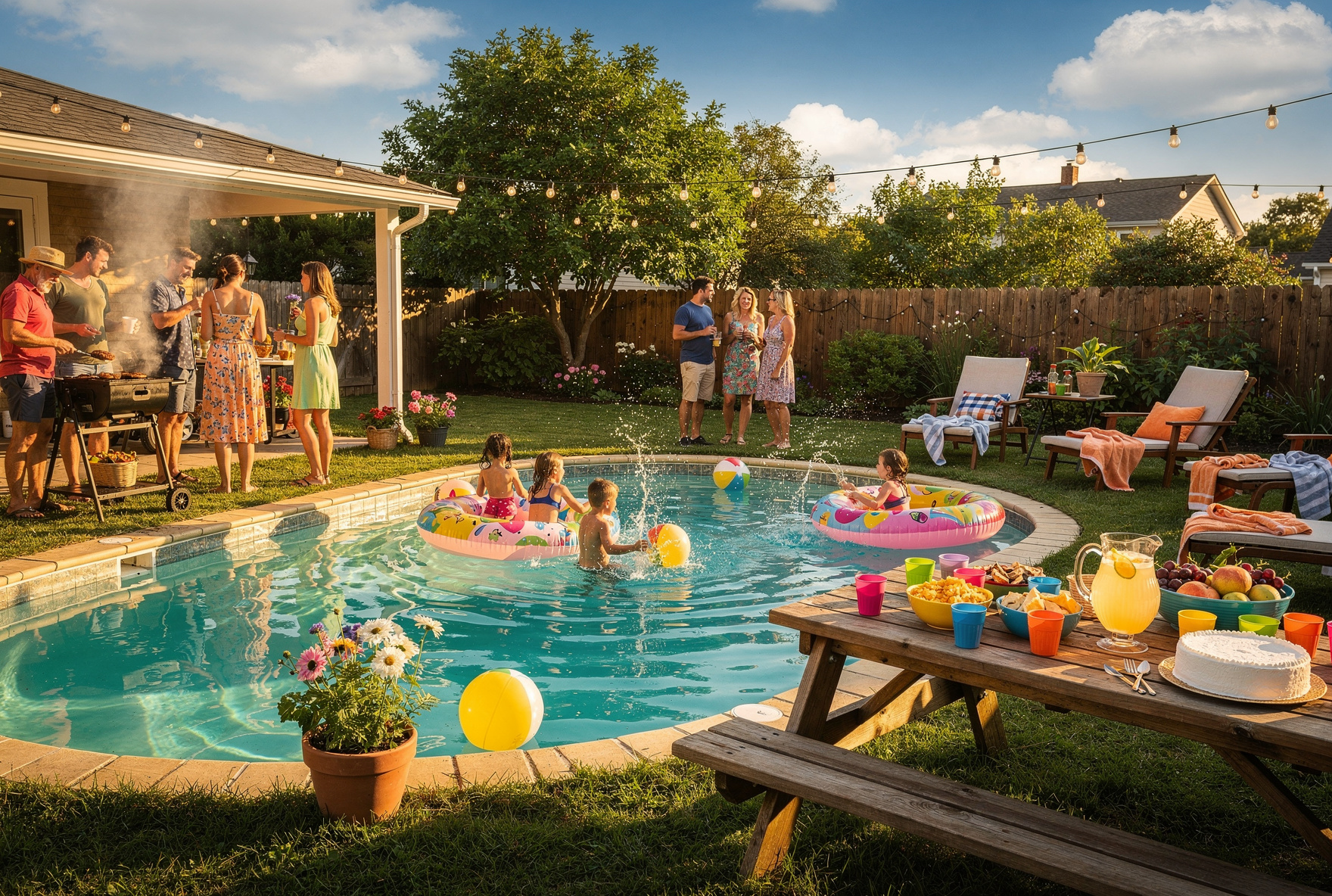
You can actually turn your backyard pool into a money-maker (instead of a money pit). Swimply lets you rent it out by the hour, so your pool helps pay its own bills. The platform handles all the hard stuff. You just list, host, and earn.
It’s quick and simple and listing is totally free. You control your pool’s schedule and the people who use it. Most Swimply hosts make easy extra cash every month, and some even hit six figures. Whatever your goals, here's how to get started as a Swimply host.
How Do I Rent Out My Pool on Swimply?
Here’s the lowdown: Swimply is an app that connects folks looking for a private pool with people who have one in their backyard. You rent your pool out by the hour, set your rates, and manage everything from your phone or computer. It’s your pool, your rules, your payday.
Just a couple things you need to know upfront:
- Only private pools are allowed. No public or commercial setups.
- You need to own the pool and be at least 18.
Setting up takes about five minutes. Don’t overthink it.
- Sign up and make your host profile.
- Add your pool’s address, details, and photos.
- Set your hourly price and pick your available times.
- Link Stripe for smooth payouts.
- Review it, hit publish, and you’re live!
Once you’re listed, guests can browse, request bookings, or just book instantly. You approve who comes over, so you’re always in control.
Setting Up Your Host Account
Ready to start? Head over to Swimply's host page or download the app. You’ll enter your name, birthday, and email. Add a profile pic and a quick bio, these help you connect with guests.
After that, link your bank for payouts. Swimply uses Stripe, which is safe and easy. Go to your settings, choose "Connect to Stripe," and follow a few prompts. You’ll be ready in a flash.
Payouts are super easy. Swimply pays you out 48 hours after each visit. The cash lands in your bank within 3 to 7 days. There’s no hunting down payments or dealing with cash.
Creating an Eye-Catching Listing
Your listing is your first impression, so make it pop. Guests scroll fast, so grab their attention with awesome photos. Always use at least 10 crisp, beautiful shots from different angles to show it all off.
Shoot your pictures on a sunny day and remove anything cluttering the vibe. Focus on the pool, nearby lounge areas, and fun extras like the grill or hot tub. Don’t include people—guests want to picture themselves there.
Your cover photo matters most. Go for a sparkling pool shot with some green or a killer setup in the frame. The right pic can boost your bookings instantly.
After photos, fill in every detail. Are you indoor or outdoor? In-ground or above? Chlorine or saltwater? Include the size, max guest count, and whether there’s a bathroom. Pools with restrooms get 80% more bookings.
Highlight your unique features. Maybe you’ve got pool toys, WiFi, cozy shade, or a Bluetooth speaker. Be honest and clear about everything. If the backyard is quiet and private, mention it. If you’ve got neighbors close by, just say so.
You can also tag your listing with stickers like "Family Gatherings," "Parties," or "Pet-Friendly." The right tag helps guests find you fast.
Choosing an Hourly Rate
Let’s talk money. Pick a smart rate or you’ll either get zero bookings or leave cash behind. You want to hit that sweet spot.
Study other pools near you on Swimply. Most pools go for $15-$75 per hour. The average is $45, but if you’ve got a hot tub, cabana, or a waterfall, it can be more.
Check your setup. A cute basic backyard won’t price like a luxury spot, and that’s ok! Factor in your extra fun stuff, the privacy, and your location.
Start with a lower rate to snag your first guests and build reviews. You can always bump the price up when demand rises.
Swimply pays you 70-85% of each booking. Their cut is 15-20% for the platform, payments, and support. Guests pay a service fee on top of your rate.
You can choose from three ways to price:
- Tiered pricing, where prices shift based on group size. This usually makes the most money.
- Per-guest pricing, which adds a fee for each extra person.
- Full-day pricing, where you set a flat rate for all day use.
Most hosts do best with tiered pricing. It typically earns 10-15% more than per-guest pricing.
Establishing House Rules and Availability
Protect your place by setting clear house rules. Swimply lets you say yes or no to drinking, smoking, parties, music, pets, and outside vendors. Set your max guest count and minimum notice time too.
Spell out the do’s and don’ts. If you’re not into parties, let folks know. Want guests to bring their own towels or clean up? Add it to your rules.
You control your calendar. Pick the days and hours you want to rent and block off any personal time. You can even add a buffer to tidy up between guests.
Swimply offers two booking modes:
- Instant Book: Guests book without waiting and you get 80% more bookings.
- Request-Based: You approve each booking before it’s final.
You can also set a minimum booking length. Most folks book two hours or more, so giving the option for shorter visits gives you more flexibility.
Promoting Your Listing and Maintaining a Great Guest Experience
Once you’re live, getting great bookings is the goal. But five-star reviews keep your schedule full. Always answer guest messages fast and be friendly. They’ll love the personal touch.
Keep your chats inside the Swimply app for safety and support. Before guests arrive, confirm your instructions and gently remind them of the house rules.
Always tidy the pool before bookings. Skim it, check the water, and straighten up around the area. Have those pool toys or towels out where guests can see them.
Afterwards, double-check for damage or messes. If all’s good, drop a glowing review. Being proactive really helps your reputation.
You can boost your bookings with Swimply's marketing tools:
- Offer promo codes or weekday deals.
- Use the "new pool" promo for 20% off your first three bookings.
It’s a killer way to fill empty slots and get things rolling.
Staying Protected as a Swimply Host
No worries on safety because Swimply covers every eligible booking. You get $1 million in general liability for injuries and up to $10,000 in property damage protection. You won’t pay extra for this peace of mind.
Liability coverage is secondary if you’ve got homeowner’s insurance. If not, Swimply’s kicks in as your main coverage.
Damage claims have a deductible. It’s $250 for groups of 10 or fewer, $500 for bigger parties. If a guest does damage and won’t pay, you file a claim.
These protections only apply to private pools. You can’t list public or commercial setups and get Swimply’s guarantee.
Common Host Questions and Quick Tips
Curious about what happens if a guest needs to reschedule? It’s easy and you can adjust bookings from the app. The guest has to accept and pay any extra fees, but rescheduling never dings your reputation.
Worried about rain or storms? You and your guest can chat and reschedule or refund. Swimply support always backs up whatever you both agree on.
Need help fast? Just tap the Help button on the site or app and chat with Duckie, the Swimply assistant. They’ll connect you to live support if needed.
Wondering about fees? Listing is 100% free. You only pay when you get a booking, so there’s zero risk.
Ready to Dive In?
Turning your pool into a source of extra income is as easy as it gets. You control your prices, your calendar, and your boundaries. The app takes care of the rest, including payments, insurance, and marketing.
Most hosts pull in $1,000 a month. Some make way more during the summer. Even booking just a few hours a week means cash for pool chemicals, your mortgage, or fun stuff.
So if you’re still wondering how to rent out your pool, just head to Swimply's host page, create your free listing, and start saying hello to your first guests. Your pool is waiting to show off. Might as well let it earn its keep!